💬 How to Use Stylish Fonts on WhatsApp, Discord, and Other Messaging Apps
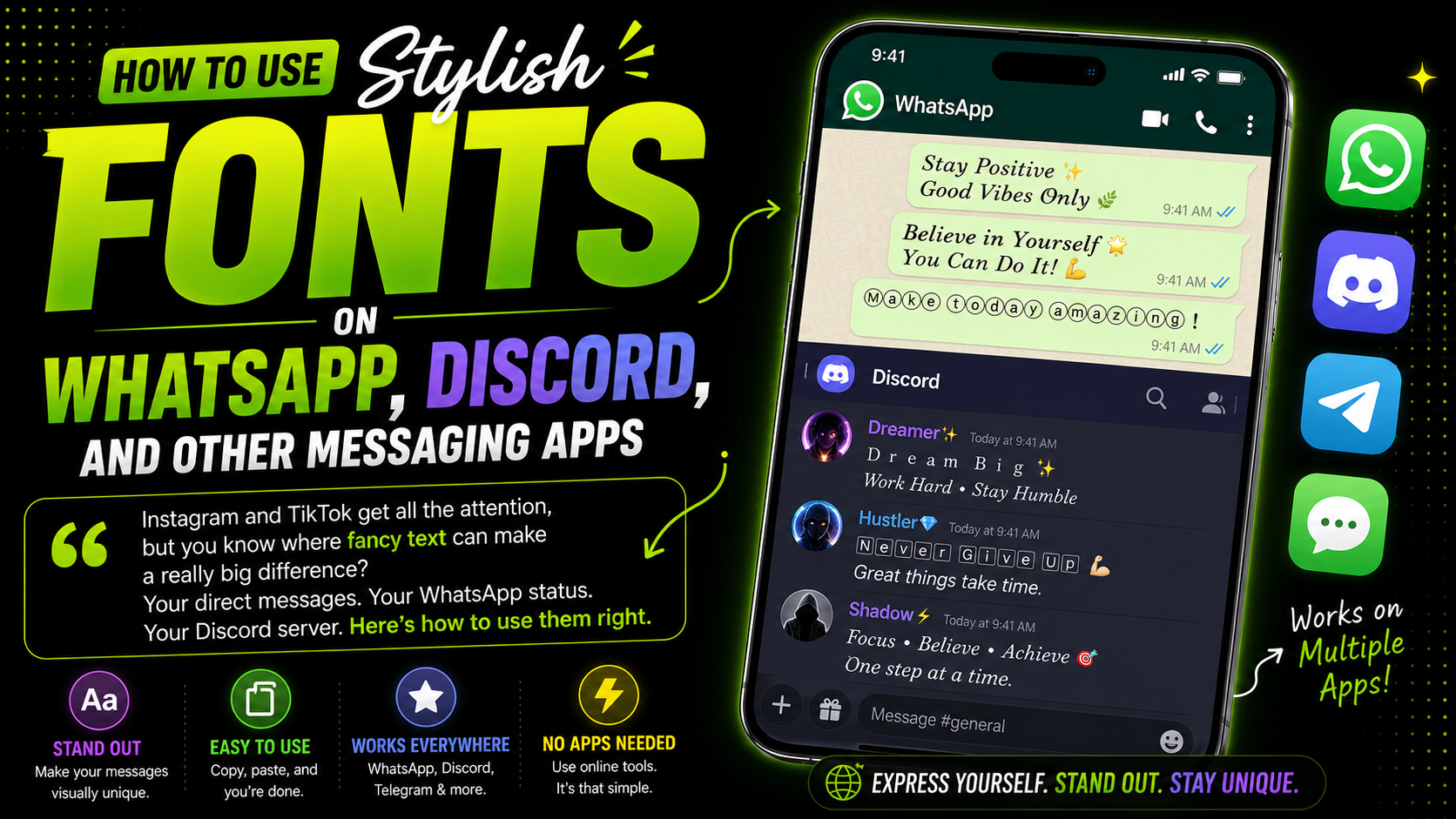
Instagram and TikTok get all the attention when people talk about stylish fonts, but you know where fancy text can make a really big difference? Your direct messages. Your WhatsApp status. Your Discord server. Anywhere people send text messages to each other. Most people don't think about using stylish fonts in their messages, but it's a great way to add personality and make your messages stand out in a crowded chat.
Let me show you how to use fancy fonts on different messaging apps, and more importantly, when it's actually a good idea to use them (and when you should probably just type normally like everyone else). I've been using stylish fonts in my messages for years, and I've learned a lot about what works and what doesn't. Here's what I've discovered.
📱 WhatsApp - The Basics You Should Know
WhatsApp actually has some built-in text formatting that most people don't even know exists:
But for real fancy fonts with actual style that go beyond bold and italic? You need to use our generator. Just copy a font from above, paste it into WhatsApp, and it works perfectly on both iPhone and Android.
✅ When to Use Fancy Fonts on WhatsApp
✔️ Group Announcements: "Meeting tomorrow at 7pm" in a bold font? Everyone sees it.
✔️ Birthday Wishes: Send "𝐻𝒶𝓅𝓅𝓎 𝐵𝒾𝓇𝓉𝒽𝒹𝒶𝓎!" instead of plain text.
✔️ Good Morning Messages: Make someone smile with a fancy "Good morning!"
❌ When to Skip Fancy Fonts on WhatsApp
✖️ Work/Professional Chats: Keep it clean and professional.
✖️ Emergency Messages: Clarity matters more than style.
🎮 Discord - Where Fancy Fonts Really Shine
Discord is honestly where stylish fonts work the best and feel the most natural. So many people use them for:
- Server names - Make your server stand out in everyone's server list
- Role names - "✨ Admin ✨" looks way cooler than just plain "Admin"
- Channel descriptions - Add personality and character to your server
- "About Me" section - Show off your personality with different fonts
💬 Telegram and Signal
Both of these messaging apps support Unicode fonts the exact same way WhatsApp does. Just copy from our generator, paste it in, and done. Works perfectly every single time without any extra steps. I've tested this on both platforms, and it works flawlessly.
📱 iMessage and Regular SMS Text Messages
Yes, these work too without any issues. Your iPhone or Android phone will show the fancy text just fine. I've sent "𝐻𝒶𝓋ℯ 𝒶 𝑔𝓇ℯ𝒶𝓉 𝒹𝒶𝓎!" to friends and family, and it always works perfectly on both iPhone and Android. It's a fun way to add a little personality to your everyday messages.
❌ Boring: "Happy Birthday! Hope you have a great day."
✅ Engaging: "🎂 ℍ𝕒𝕡𝕡𝕪 𝔹𝕚𝕣𝕥𝕙𝕕𝕒𝕪! 🎂 Hope your day is as amazing as you are!"
❌ Boring: "Meeting tomorrow at 7pm"
✅ Clear: "📢 𝙼𝙴𝙴𝚃𝙸𝙽𝙶 𝙰𝙻𝙴𝚁𝚃 📢 Tomorrow at 7pm. Don't miss it!"
One Warning About Messaging Apps
Some really old Android phones from several years ago might not show every Unicode character correctly. It's pretty rare nowadays, but it can still happen occasionally. If someone tells you your text looks weird or shows up as boxes, that's probably why. Just switch to a simpler font or go back to normal text for that person.
Use stylish fonts for your server's "rules" channel title or important announcement channels. It makes them stand out and members are more likely to read them. Example:
My Personal Rule for Messaging Apps
Here's what I follow for myself: Fancy fonts for statuses, announcements, and special occasion messages. Normal regular text for everyday conversation back and forth. This balance keeps things fun and interesting without being annoying to the people you're actually talking to.
WhatsApp Status: ✅ Always use fancy fonts
Group Announcements: ✅ Bold fonts work great
Daily Chats: ❌ Stick to normal text
Discord Server Name: ✅ Make it stylish
Discord Role Names: ✅ Add emojis + fonts
Birthday Wishes: ✅ Make them special
Work Messages: ❌ Keep professional
Go to your WhatsApp status right now. Write something simple like "Good evening" or "Feeling blessed" in a stylish font from our generator. See how many people react! Then try it on Discord with your server name or role. You'll be surprised how much people notice.
More Messaging Tips: