Tumblr Fonts Generator: Best Aesthetic Text Styles & Cool Copy-Paste Fonts in 2026
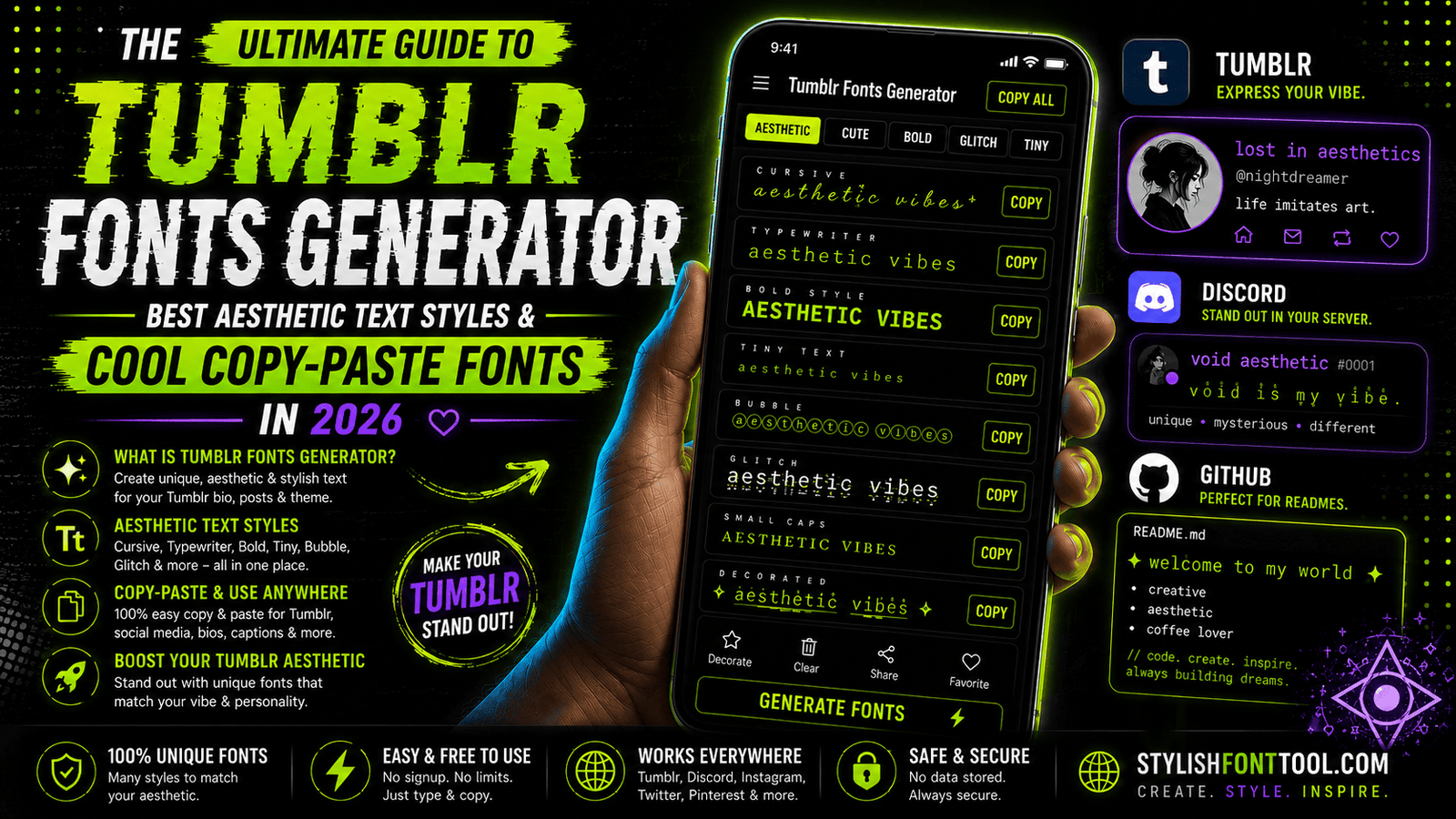
Let's be honest. Your Tumblr blog deserves better than plain, boring default text. You've spent hours curating the perfect aesthetic — the moody photography, the vintage color palette, the carefully arranged dashboard. But then your bio and captions just... sit there. Default font. Zero personality.
That's where a Tumblr fonts generator changes everything. With the right cool copy and paste fonts, your blog instantly transforms from "nice" to "wait, how did they do that?"
Here's how to level up your Tumblr aesthetic with the right fonts and symbols.
Why Tumblr Aesthetic Fonts Are Exploding in 2026
Tumblr is having a massive comeback. Gen Z and Millennials are flooding back to the platform because they're tired of algorithm-driven feeds. They want authentic, curated spaces again. And nothing says "curated" like a beautifully styled bio with aesthetic symbols for Tumblr bio and unique cool copy and paste fonts.
Whether you're running a mood board blog, a writing journal, a photography portfolio, or a fandom space — your text style sets the tone before anyone reads a single word. A messy, default font screams "I didn't try." A well-chosen font changer online style screams "I care about details."
✅ Makes your blog instantly recognizable
✅ Shows effort and attention to detail
✅ Helps you stand out in a crowded dashboard
✅ Matches the nostalgic, curated Tumblr aesthetic
✅ Increases engagement on your posts
Most Popular Tumblr Fonts (Copy-Paste Ready)
Click any style below to copy it instantly. Then paste it into your Tumblr bio, post, or captions.
Aesthetic Symbols for Your Tumblr Bio (Copy-Paste)
The right symbols make your bio pop. Mix these with your cool copy and paste fonts for maximum aesthetic impact.
How to Update Your Tumblr Description (Quick Guide)
Generate Your Aesthetic Text
Go to stylishfonttool.com. Type your blog name or bio text. Browse the Tumblr fonts until you find one that matches your vibe. Click to copy.
Add Aesthetic Symbols
Copy symbols from the grid above. Mix them before or after your text. Example: "🌸 𝓈𝓌ℯℯ𝓉 𝒹𝓇ℯ𝒶𝓂𝓈 🌸" or "✨ 〆𝕍𝕚𝕣𝕥𝕦𝕒𝕝 ℂ𝕠𝕣𝕟𝕖𝕣 〆 ✨"
Update Your Tumblr Bio
Go to Tumblr → Settings → Blog Settings → Description. Paste your new styled text. Save. Done! Your blog now looks 10x more aesthetic.
Where Else to Use These Tumblr Fonts
- Post Captions: First line in a fancy font? People stop scrolling.
- Ask Box Response: Stand out in someone's inbox.
- Theme Titles: Make your custom theme look professional.
- Queue Labels: Keep your organizing aesthetic too.
- Discord & Twitter: Same fonts work everywhere.
Frequently Asked Questions
Will these fonts work on mobile Tumblr? Yes — since they're Unicode text, they display the same on iOS and Android.
Can I use these fonts in my Tumblr theme HTML? Yes, you can paste the styled text directly into your theme settings.
Are these fonts free to use? Yes, for both personal and commercial blogs.
More Aesthetic Guides: